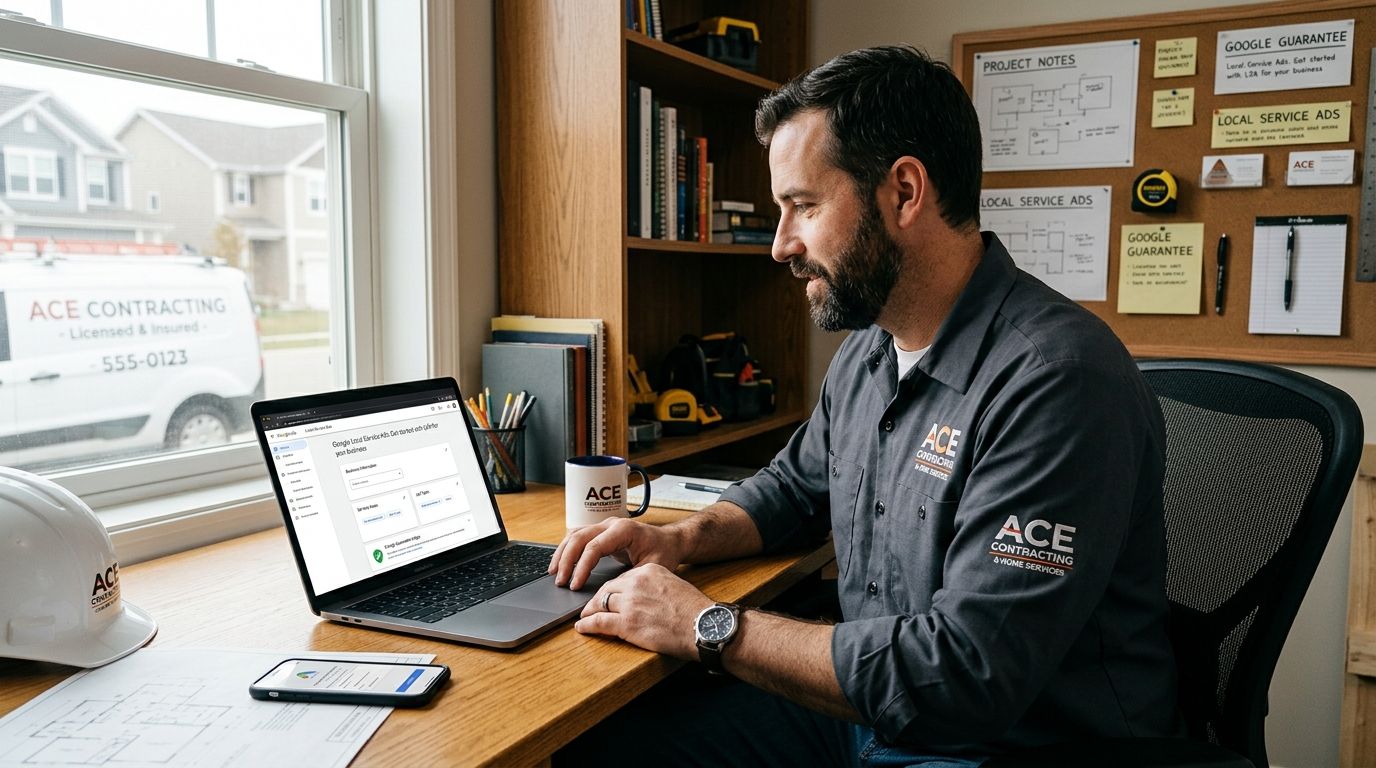
Local Service Ads (LSA) put your business at the top of Google search results with a Google Guarantee badge, a star rating, and your service area — and Google bills you per lead, not per click. Setting one up for a contracting business means passing a background check, verifying your trade license and insurance, and choosing a weekly budget before Google starts routing calls to your phone.
- Local service ads for contractors rank above paid text ads and the map pack once the Google Guarantee badge is live.
- Setup requires a background check, license and insurance verification, and a weekly budget before any lead flows in.
- You're billed per contact, not per click, and Google lets you dispute leads that don't match your trade or service area within 30 days.
- Contractors with more reviews and faster response times outrank competitors who simply bid higher.
Why this matters
LSAs changed how contractors get found. Instead of bidding on keywords and hoping your ad copy beats a competitor's, Google ranks you on proximity, reviews, responsiveness, and business hours — then charges only when a real customer calls or messages you. For a roofer or a plumber in a competitive metro, that's the difference between paying for clicks that never convert and paying for a lead that already picked up the phone. Trades running Google Ads management for plumbing companies often add LSAs on top because the two channels rarely compete for the same click.
In 2026, Google has expanded LSA eligibility into more home service categories and tightened background-check requirements, which means setup takes longer if your paperwork isn't ready. Contractors who treat the application as a formality lose weeks waiting on verification. Contractors who prep the license, insurance, and business documentation ahead of time can be live within days of approval.
How to set up Local Service Ads for contractors
- Create your Local Services Ads profile through Google's provider portal using your business name, trade category, and physical service area.
- Submit your trade license number and insurance documentation. Google verifies this against your state or county licensing board before the badge activates.
- Complete the Google Guarantee background check for the business owner and any employees who will be dispatched to jobs — this runs through a third-party screening vendor Google contracts with.
- Select your job categories precisely. A roofing company should list roof repair and roof replacement separately if both are offered; vague categories waste impression share on jobs you don't want.
- Set your weekly budget as a target number of leads, not a dollar cap — Google converts this into a bid range automatically.
- Turn on the dashboard and start scoring leads. Every call and message logs a duration and outcome field you should fill in daily; this data feeds the ranking algorithm.
Most of the delay in this process isn't Google's ad platform — it's the background check and license verification, which stall out when documentation is incomplete or a license lookup doesn't match your business name exactly.
What Google requires before your ads go live
The requirements are the same whether you're a two-truck HVAC company or a regional roofing crew:
- A valid, active trade license in the state or county where you operate, matching the business name on your Google account.
- General liability insurance, current and documented, uploaded during the application.
- A clean background check on the owner and any technician listed as a dispatched employee.
- A working business phone number that answers during listed hours — Google monitors missed calls and factors them into ranking.
Contractors writing their own ad copy for the paid search side of the account should look at ad copy that converts for roofing — the same specificity that wins on Search Ads (naming the exact service, the response window, the certification) also improves how a job description reads inside your LSA profile.
Why Local Service Ads setup and ranking vary by contractor
Two contractors in the same city with the same budget can see very different lead volume. The factors driving that gap:
- Review count and rating. More five-star reviews with recent dates outrank a thin, old review history.
- Response time. Google tracks how fast you answer or return a missed call, and slow responders lose placement even with a strong badge.
- Service area size. A tighter, realistic radius produces better-matched leads than a radius stretched across an entire metro.
- Trade category competition. Plumbing and HVAC categories see more bidder density than niche categories like septic or well pump service, which changes how fast your budget gets consumed.
- Job documentation. Crews that photograph and log completed work build the proof that turns a one-time caller into a five-star review. Plumbers running line and drain calls lean on visual evidence of the problem and the fix — jobs backed by drain inspection cameras for plumbers generate before-and-after footage that customers reference in their reviews, which feeds straight back into LSA ranking.
- Seasonality. Storm restoration and HVAC categories see budget consumed faster during peak months, which changes how far a flat weekly budget stretches.
Want your LSA profile managed for you?
Roxfire sets up and optimizes Local Services Ads for contractors across South Florida.
Roxfire builds and manages Local Services Ads profiles alongside Google Ads and local SEO for South Florida contractors, and the setup checklist above is the same one used on every new HVAC, roofing, or restoration account before the badge goes live.
Is Local Service Ads better than Google Ads for contractors?
Local Service Ads and Google Ads solve different problems for contractors and work best run together, not as a replacement for each other. LSAs charge per lead and rank on reviews and responsiveness; Google Ads Search charges per click and gives you control over keywords, landing pages, and ad copy. A contractor tracking ROI from Google Ads typically runs both channels side by side since they capture different search intent — LSAs catch the caller ready to book, Search Ads catch the researcher still comparing options.
How much do Local Service Ads leads cost for contractors?
Cost per lead for local service ads for contractors varies by trade, market, and season, and Google doesn't publish a fixed rate — your live dashboard shows the actual per-lead cost as it happens. Higher-ticket trades like roofing and restoration typically see higher per-lead cost than lower-ticket trades like handyman or cleaning services, because Google's bidding reflects job value and competition, not a flat platform fee.
Can you dispute a bad Local Service Ads lead?
Yes — Google allows contractors to dispute a lead within 30 days of receiving it if the lead falls outside your service area, trade category, or is a spam or duplicate contact. Approved disputes credit the lead cost back to your account, which is why logging every lead's outcome in the dashboard daily matters more than it seems.
FAQ
What's the fastest way to set up local service ads for contractors?
The fastest path is having your trade license, insurance documentation, and employee background check paperwork ready before you start the application. Verification delays are the main bottleneck, not the ad platform itself.
Is Local Services Ads worth it for a small contracting business?
Local Services Ads work well for small contractors because you pay per lead instead of per click. A limited budget goes toward actual calls rather than clicks that never convert.
How long does Google Guarantee verification take for contractors?
Verification time depends on how quickly your license and background check clear with Google's screening vendor. Incomplete documentation is the most common cause of delay in 2026.
Do Local Service Ads replace the need for a Google Business Profile?
No. Local Service Ads and Google Business Profile work together, and a strong, review-rich Business Profile improves how your LSA listing ranks against other contractors.
Can multiple trade categories run under one Local Services Ads account?
Yes. Contractors offering multiple services, like a general contractor doing both remodeling and roof repair, can list each qualifying category separately under one account.
What happens if a contractor's response time is slow on Local Services Ads?
Slow response time lowers your ranking position over time. Google factors call and message response speed directly into how often your listing appears.
Do Local Service Ads work for commercial contractors, not just residential?
Local Service Ads are built primarily for residential home service categories. Commercial and B2B contractor leads typically need a separate Google Ads and SEO strategy instead.
One last thing
The detail most contractors miss in 2026: the dispute window is 30 days, but leads left unlogged in the dashboard almost never get disputed successfully, because Google wants the outcome data as evidence. Log every lead the day it comes in, not at the end of the week — it's the single habit that separates contractors who recover bad-lead spend from the ones who just eat the cost.