
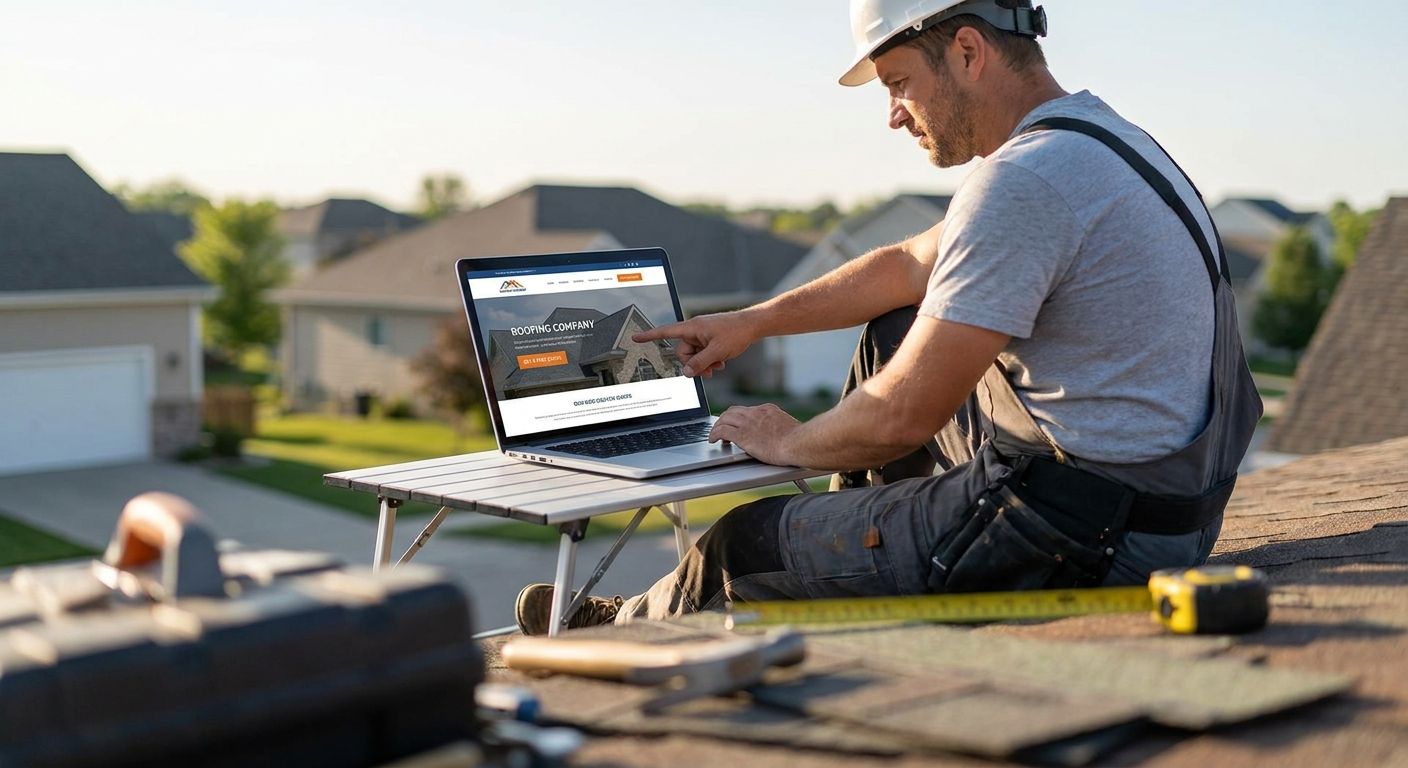
Roofing website design means building a site that turns storm-chasing traffic and insurance-claim searches into booked estimates, not just a digital brochure with truck photos. Roofing companies need something different from a generic contractor site: proof of licensing and warranty work above the fold, a quote path that survives someone standing on a damaged roof with a cracked phone screen, and infrastructure that gets a call answered before the homeowner dials the next name on Google.
- Roofing website design in 2026 needs a 2-click quote path and sub-2.5-second load time or Google penalizes rankings.
- Location pages per service area outperform one generic 'service area' page for roofing SEO and AI Overview citations.
- Speed-to-lead tracking wired into the site, not bolted on after launch, is what separates booked jobs from wasted ad spend.
- DIY builders and roofing-specific templates cap out fast; custom builds cost more but convert storm and insurance leads at a higher rate.
Why roofing website design matters for roofing companies
A roofer's buyer is almost always in a hurry — a leak, a storm, an insurance adjuster deadline — and the site either answers that urgency in the first five seconds or loses the click to a competitor's ad. Roofing search behavior skews heavily toward "near me" and storm-damage terms, which means the homepage and service pages carry more weight for local pack rankings than they do for slower-consideration trades like remodeling.
Roofing is also one of the most review-sensitive categories in home services — a homeowner replacing a roof is trusting a stranger with a $10,000-plus job and a warranty they can't inspect themselves. A roofing website that hides reviews, buries the phone number, or takes six fields to request a quote is turning away exactly the leads a roofing company paid to attract. That's the gap most roofing sites in South Florida and beyond never close.
Lead with storm and warranty proof above the fold
The first screen a visitor sees needs to answer "can I trust this crew with my roof" before it asks for anything back.
- State licensing and insurance status in plain text, not buried in a footer link
- Name the manufacturer certifications you hold (GAF, Owens Corning, CertainTeed) if applicable
- Show a real phone number in the header, clickable on mobile, not an image
- Put one before/after photo pair above the fold, not a slideshow of ten
- Lead with a storm-damage or insurance-claim message if that's a real part of your business
Cut your quote request to two clicks
Every extra field on a roofing quote form costs conversions, and roofing traffic skews mobile more than almost any other trade because people search from the roof, the yard, or the insurance adjuster's driveway.
- Ask for name, phone, and zip code only on the first form — nothing else
- Put a sticky "Get a Free Estimate" button on mobile that never scrolls off screen
- Offer a callback option instead of forcing a form for people who'd rather just talk
- Test a click-to-call button against a form button and keep whichever converts more
- Add a photo-upload field for storm damage claims — it speeds up the estimate call
Once the manual fixes are in place, a call-tracking and lead-routing layer is where an agency setup like Roxfire's usually adds the next chunk of conversions — that's a system decision, not a design tweak.
Wire in speed-to-lead tracking
A fast form means nothing if the lead sits in an inbox for four hours. Roofing customers call two or three companies back to back after a storm, and the first callback usually wins the job.
- Route every form submission to a text alert, not just email
- Set up a call-tracking number so you can hear how the front desk handles the first call
- Log response time on every lead, even manually in a spreadsheet, for the first 30 days
- Assign one person as the lead-response owner during business hours
- Build a text-back auto-response for after-hours leads so no one goes cold overnight
Fix your mobile load time
Google's Core Web Vitals standard sets "good" Largest Contentful Paint at 2.5 seconds or under, and roofing sites routinely blow past that with uncompressed before/after photo galleries.
- Compress every project photo before upload — most roofing sites ship 4-8MB images that should be under 300KB
- Lazy-load photo galleries below the fold instead of loading all of them on page load
- Remove auto-play video backgrounds from the homepage; they're a top cause of slow mobile load
- Run your homepage through PageSpeed Insights and fix anything flagged red
- Cut third-party scripts (chat widgets, popups) that aren't earning their load time
Build location pages for each service area
A single "service area" page listing twelve cities in a bulleted list does almost nothing for local rankings or for AI Overview citations, which favor pages that name a specific place and speak to its conditions.
- Create one page per city or county you actively serve, not a shared page
- Reference local conditions relevant to roofing — storm history, HOA rules, permit requirements
- Embed a Google Map and local business schema on each location page
- Link location pages from the homepage footer, not just a hidden sitemap
- Add city-specific project photos where you actually have them, not stock images
Put reviews next to every CTA
Review count and recency matter more for roofing than almost any other trade because the job size makes trust the deciding factor.
- Embed a live Google review widget near the top of the homepage, not buried at the bottom
- Pull 3-5 of the most recent reviews onto every service page, not just the homepage
- Respond publicly to every review, good or bad, and show that thread on the site
- Ask for a review the day the job is completed, while the new roof is still visible
- Feature a review that mentions insurance claim help if you handle claims
Wire call tracking and form tracking into GA4
A roofing site that doesn't tell you which page, which ad, and which keyword produced a booked job is a site you're flying blind on.
- Set up GA4 conversion events for form submits and phone clicks separately
- Use call-tracking numbers on paid traffic to isolate ad-driven calls from organic ones
- Tag every location page and service page so ranking and lead volume can be compared
- Review the data monthly and kill pages that get traffic but zero conversions
Get your roofing site audited
See where your site is losing quote requests before your next ad dollar goes out.
Comparison: roofing website options in 2026
| Option | Best for | Key limitation | Verdict |
|---|---|---|---|
| DIY builder (Wix, Squarespace) | Solo roofers just starting out | No native call-tracking, weak local SEO templates | Wait — outgrow it within a year |
| Roofing-specific website template + freelancer | Small crews on a tight timeline | Same template as dozens of competitors, hard to differentiate | Hold — fine as a bridge, not a finish line |
| Roofing-focused website provider | Companies wanting an industry-built theme fast | Limited customization once you outgrow the template | Buy — for speed to launch |
| Custom agency build tied to ads and SEO | Roofers scaling paid leads and organic together | Higher upfront build time before launch | Buy — for companies ready to invest in speed-to-lead and tracking, which is where Roxfire's roofing builds are typically scoped |
Common mistakes roofing companies make
- Treating the website like a portfolio, not a funnel — ten photo galleries and no clear next step for the visitor
- Running paid ads to a homepage instead of a matching landing page — this kills quality score and confuses the visitor about what they clicked
- Ignoring insurance-claim search intent — a huge share of roofing traffic in 2026 is storm-driven and the site never mentions claims help
- Skipping review integration — reviews live only on Google, never surfaced on the site itself where the buyer is already deciding
- No mobile phone number in the header — forcing a scroll to find contact info on the device most roofing traffic arrives on
FAQ
What makes roofing website design different from other contractor sites?
Roofing website design leans harder on storm and insurance-claim messaging, licensing proof, and fast mobile quote forms because roofing searches are more urgency-driven than most home service categories. A general contractor site can afford more portfolio depth; a roofing site needs the trust signals and CTA visible in the first screen.
How fast should a roofing website load in 2026?
Google's Core Web Vitals benchmark sets 2.5 seconds or under for Largest Contentful Paint as the 'good' threshold. Roofing sites with uncompressed before/after galleries routinely miss this and lose local ranking as a result.
Should roofing companies build one service-area page or one per city?
One page per city or county performs better for local rankings and AI Overview citations because it can reference specific local conditions instead of a generic bulleted city list. A single shared service-area page rarely ranks for more than one location.
Do roofing websites need live review widgets?
Yes — roofing is a high-trust, high-ticket category where recent reviews next to the CTA measurably reduce the hesitation to submit a quote request. Reviews buried only on a separate Google listing don't do that work.
Is a DIY builder good enough for a roofing company website?
A DIY builder like Wix or Squarespace works as a starting point for a solo roofer but lacks native call tracking and struggles with local SEO templates at scale. Most roofing companies outgrow it within a year of steady lead volume.
What's the fastest way to improve a roofing site's conversion rate?
Cutting the quote form to name, phone, and zip code, plus adding a sticky mobile call button, is usually the single fastest conversion lift on an existing roofing site. Speed-to-lead tracking on top of that shows whether the extra form submits actually turn into booked jobs.
Should roofing ads point to the homepage or a landing page?
Roofing ads should point to a landing page matching the exact service or location in the ad, never the homepage. Sending paid traffic to a generic homepage lowers quality score and conversion rate at the same time.
One last thing
Most roofing sites lose leads in the four hours after a storm, not in the design itself — the form works fine, but nobody calls back before the homeowner's second or third estimate is already booked. Fix the response-time gap before touching another line of copy on the homepage; it's usually the cheapest win on the whole site.