
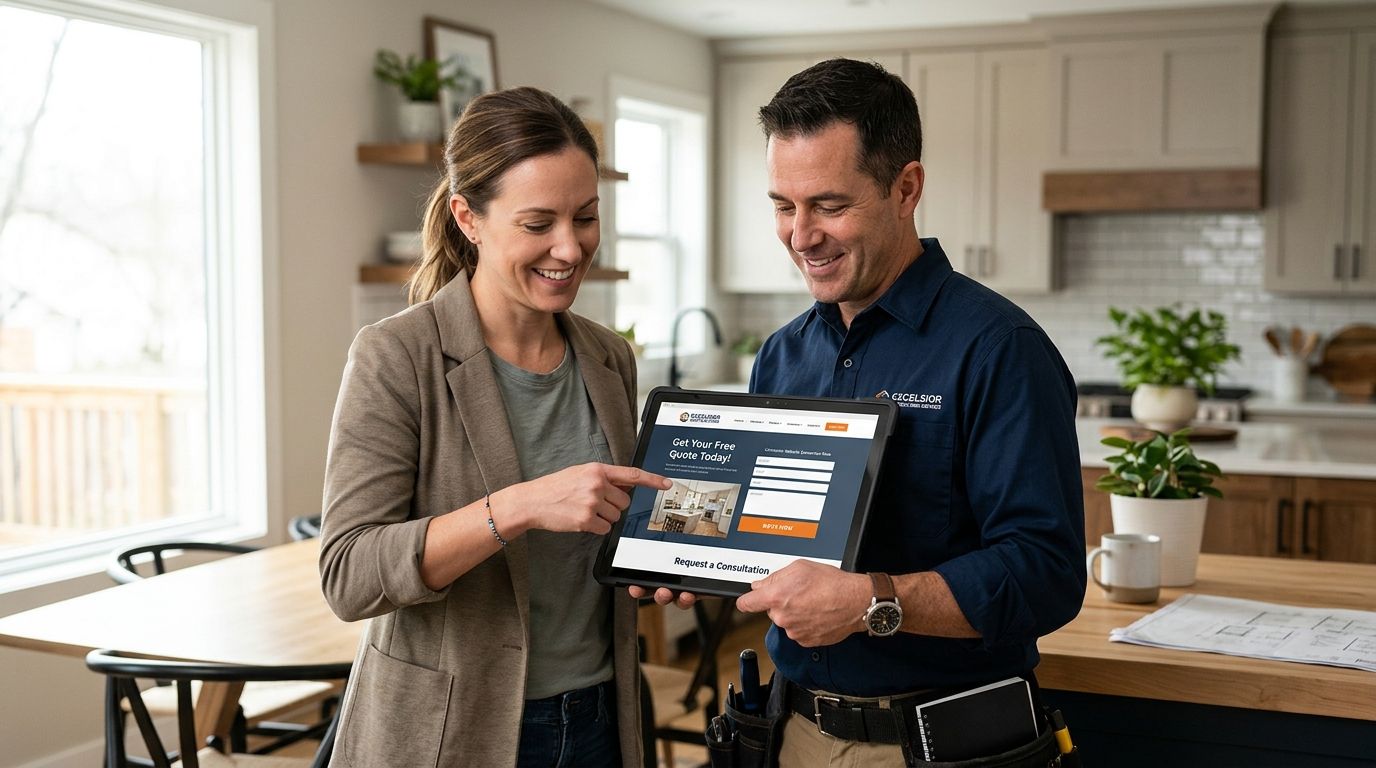
Most contractor websites convert leads at roughly 2-5%, and the gap between a 2% site and a 5% site almost never comes down to more traffic — it comes down to what happens in the first 60 seconds after someone lands on the page. The fastest way to close that gap in 2026 is cutting form friction, putting a phone number in front of the visitor's thumb, and answering new leads inside five minutes instead of thirty. The number that actually pays your bills isn't conversion rate on its own — it's how many of those converted leads turn into booked jobs, which depends on speed-to-lead more than any design tweak.
- Contractor website conversion rate typically runs 2-5% in 2026 — sites below that are leaking paid traffic.
- Responding to a lead within 5 minutes beats a 30-minute response by a wide margin, based on decades of lead-response research.
- Forms with 3-4 fields consistently outconvert 8-field forms, especially on mobile where most contractor traffic now lands.
- Click-to-call buttons, real job photos, and visible reviews fix more leaks than a full site redesign.
- Roxfire treats conversion rate as a lead-routing problem first, a design problem second.
Why this matters
If you're running Google Ads or paying for local SEO, a low-converting site means you're paying twice for every booked job — once for the click, once again in wasted ad spend on visitors who bounce. A roofing website design that converts doesn't need more traffic to fix this. It needs fewer clicks between a visitor thinking "I have a problem" and someone calling them back.
Contractors chasing rank or impression share while ignoring conversion rate are optimizing the wrong end of the funnel. A site pulling 500 visits a month at 2% converts 10 leads. The same 500 visits at 5% converts 25 leads — without spending another dollar on ads.
How do you improve conversion rate on a contractor website?
Start with the leaks that cost the most leads per fix. Here's where contractor sites typically bleed conversions, and what actually closes the gap:
| Conversion killer | Fix | Why it matters |
|---|---|---|
| 8+ field contact form | Cut to name, phone, job type | Every added field drops completion, especially on mobile |
| No phone number above the fold | Sticky click-to-call button | Mobile visitors tap before they read |
| Stock photos of generic homes | Real job and crew photos | Trade buyers trust proof of actual work |
| Slow-loading hero image or slider | Compress images, kill autoplay carousels | Slow pages bounce before the form even loads |
| Leads sit in an inbox for hours | Route to CRM with instant text/call alert | Speed-to-lead decides who gets the job |
| No reviews visible on the page | Embed a live Google review widget | Social proof at the exact decision point |
Fix the top three rows first. They require no redesign, just changes to what's already live.
Speed-to-lead: the highest-leverage fix on this list
Lead-response research going back to the original Lead Response Management study has held up for over a decade: contacting a new lead within 5 minutes dramatically outperforms waiting 30 minutes or longer, and the odds of a callback ever connecting drop fast after that window closes. Most contractor CRMs and call tracking setups for home service marketing can trigger an instant text or auto-dial the moment a form submits. If nobody on your team owns that first response, you're losing jobs to whichever competitor calls back first — usually within minutes, not hours.
Forms: shorter wins, every time
A form asking for name, address, job type, budget range, preferred contact time, and a project description is asking too much of someone who just wants their AC fixed. Three to four fields — name, phone, job type, optional notes — get more submissions across the board. Save the qualifying questions for the phone call, where a live person can actually use the answers.
Trust signals: reviews, licenses, and real photos
A visitor deciding between three contractors in a search results page is looking for proof, not copy. Star ratings, license numbers, and before/after photos of actual jobs do more work than another paragraph about quality craftsmanship. Generating 5-star reviews consistently and displaying them near the form — not buried on a separate testimonials page — keeps that proof where the decision happens.
Mobile experience: where the traffic actually is
Most contractor site visits in 2026 arrive on a phone, often from someone standing in front of a leaking water heater or a cracked driveway. A desktop-first layout with a form that requires pinch-zooming to fill out loses that visitor before they finish typing their name. Test the site on an actual phone, not a resized browser window — tap targets, load speed, and form field size behave differently than they do on a laptop.
Why contractor website conversion rate varies
No two contractor sites convert at the same rate, and the differences usually trace back to a handful of factors:
- Traffic source quality — branded search and Local Service Ads traffic converts higher than broad-match generic keyword traffic
- Job urgency — emergency categories (burst pipe, no AC) convert faster than planned projects (kitchen remodel)
- Local competition density — South Florida markets with dozens of competing contractors demand stronger trust signals to win the click
- Review count and star rating — a page with 200+ reviews converts differently than one with a dozen
- Page load speed — every additional second of load time drops mobile conversion measurably
- Form length and placement — a form below three scrolls loses visitors who never see it
What is a good conversion rate for a contractor website?
A good conversion rate for a contractor website in 2026 sits in the 3-5% range for most trades, with emergency service categories like plumbing and restoration often landing higher because visitors are ready to call immediately. Anything consistently under 2% usually points to a form, speed, or trust-signal problem rather than a traffic problem.
Does live chat improve contractor website conversion rate?
Live chat can lift conversion rate when it's staffed and answers fast, but an unmonitored chat widget that goes unanswered for hours does more harm than good. If you can't commit to answering chats within a few minutes during business hours, a prominent click-to-call button is the safer bet.
How much does form length affect lead form conversion?
Form length is one of the most controllable levers on the page — dropping from eight fields to three or four typically increases completions, because every additional field gives a mobile visitor another reason to abandon before submitting. Move qualifying questions to the phone call instead of the form.
An agency running paid traffic to a contractor site should be watching this data weekly, not guessing at it. Roxfire builds conversion tracking into every Google Ads and local SEO campaign so the CRM — not a hunch — decides what changes on the page next.
“If your CRM shows leads sitting unanswered for 30 minutes, no amount of website redesign will fix your conversion rate.”
Get a conversion audit for your site
See exactly where leads drop off before they call.
FAQ
What is a good conversion rate for a contractor website in 2026?
A good conversion rate for a contractor website in 2026 falls between 3% and 5% for most trades. Emergency service categories like plumbing or restoration often land higher because the visitor is ready to call immediately.
How fast should a contractor respond to a website lead?
Within 5 minutes, based on long-standing lead-response research showing response effectiveness drops off sharply after 30 minutes. Route form submissions to a CRM with instant text or call alerts so no lead sits unanswered.
Do shorter contact forms really convert better?
Yes. Forms with 3-4 fields (name, phone, job type) consistently outconvert 8-field forms, especially on mobile. Move detailed qualifying questions to the follow-up call instead of the form.
Does a website redesign always fix low conversion rate?
No. A redesign helps when the page itself is the problem, but if leads sit unanswered for hours or the form asks too much, a new design fixes neither issue. Fix speed-to-lead and form length before rebuilding the site.
How do reviews affect contractor website conversion rate?
Visible star ratings and review counts near the contact form increase conversion because they answer the trust question at the exact moment a visitor decides whether to submit. A review widget placed above the fold works better than a separate testimonials page.
Is mobile optimization more important than desktop for contractor sites?
Yes, since most contractor site traffic in 2026 arrives on a phone. Slow load times, small tap targets, and desktop-sized forms all cost mobile conversions that a desktop-first site never notices.
Should a contractor website use live chat or click-to-call?
Click-to-call is the safer default because it requires no staffing commitment. Live chat only helps if someone answers within minutes during business hours; an unmonitored chat widget hurts more than it helps.
One last thing
The fastest conversion win on most contractor sites costs nothing to build: move the phone number and click-to-call button above the fold and cut the contact form to three fields. Both changes take under an hour and start showing up in the data within a week — no redesign, no new photos, no new copy required.